
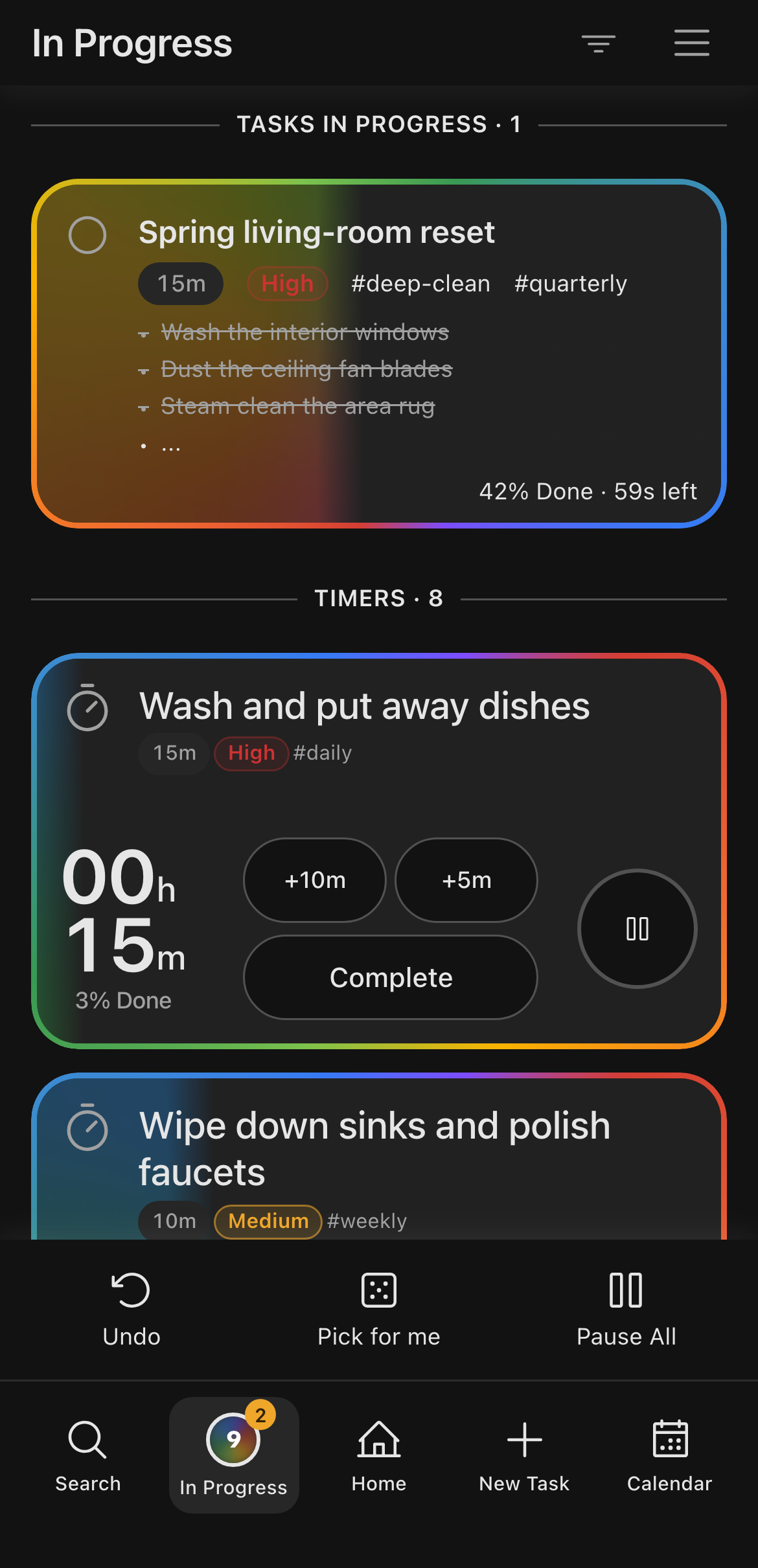
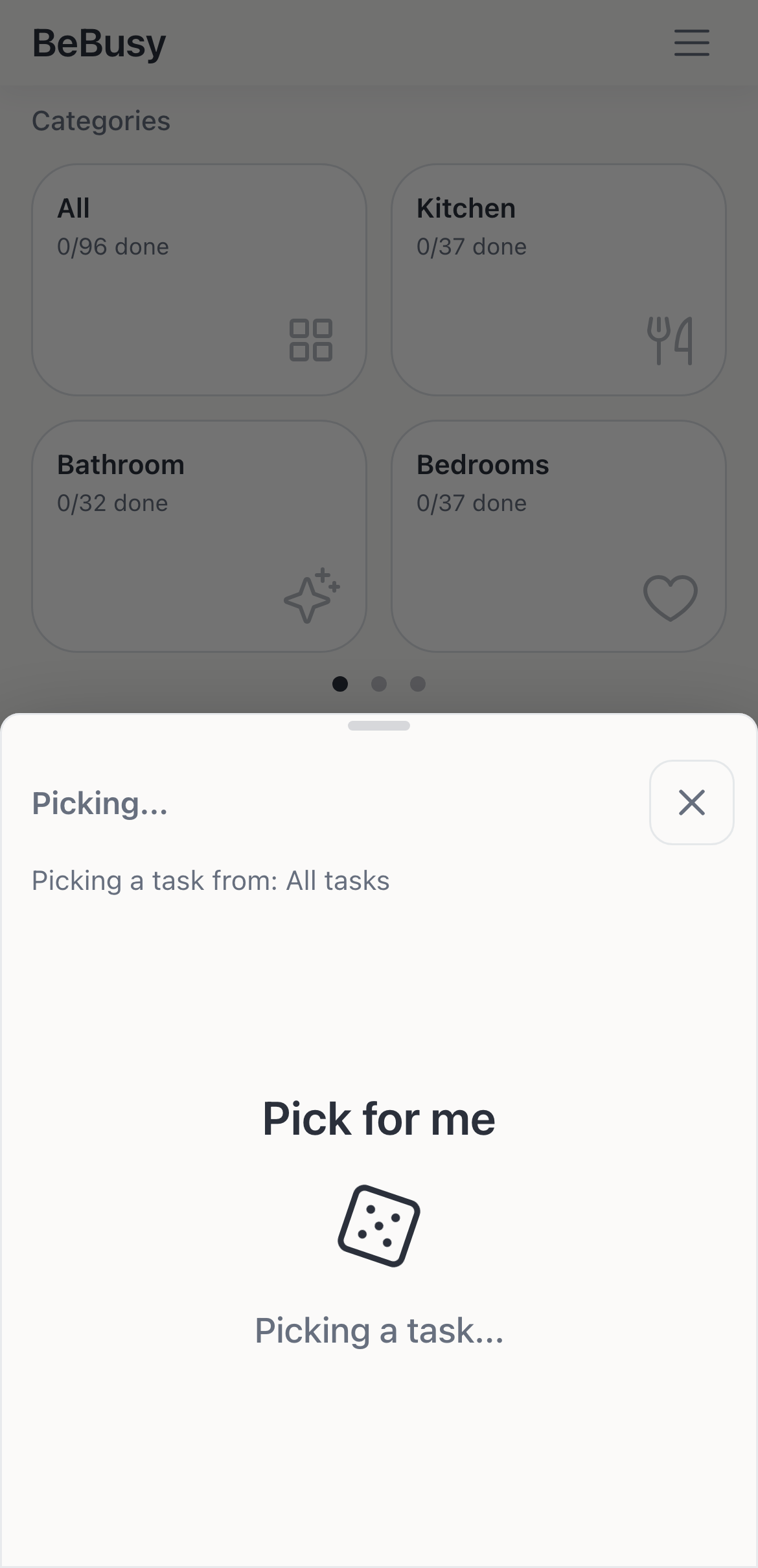
Pick For Me
Tap one button and a random task lands in front of you. Not the one? Re-roll and get moving anyway.
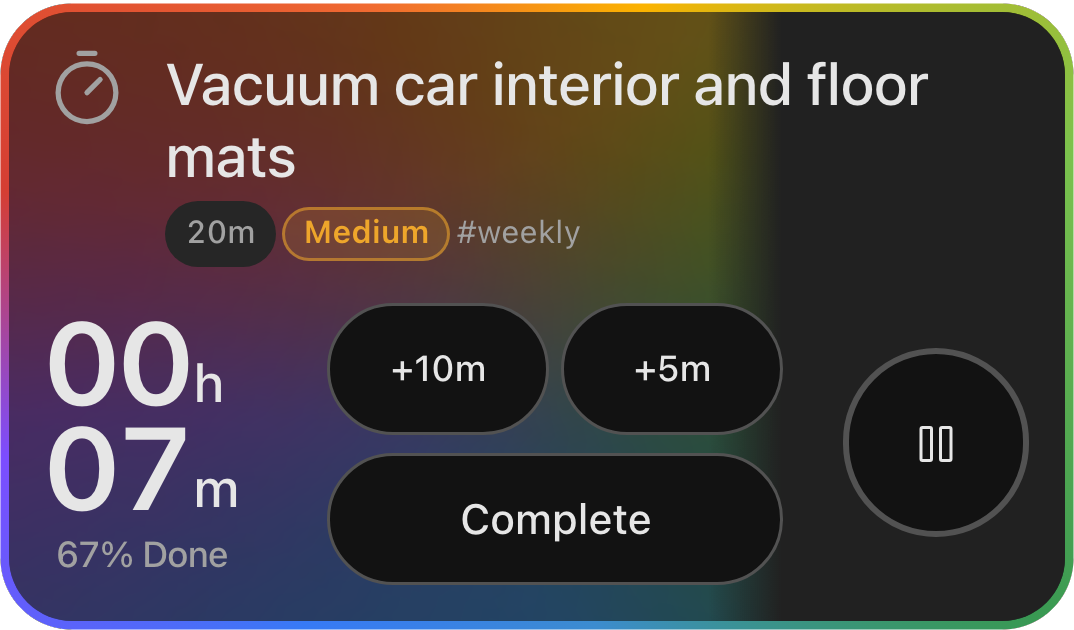
Countdown Timers
Set a countdown, not a stopwatch. Seven minutes left hits different than watching minutes pile up.
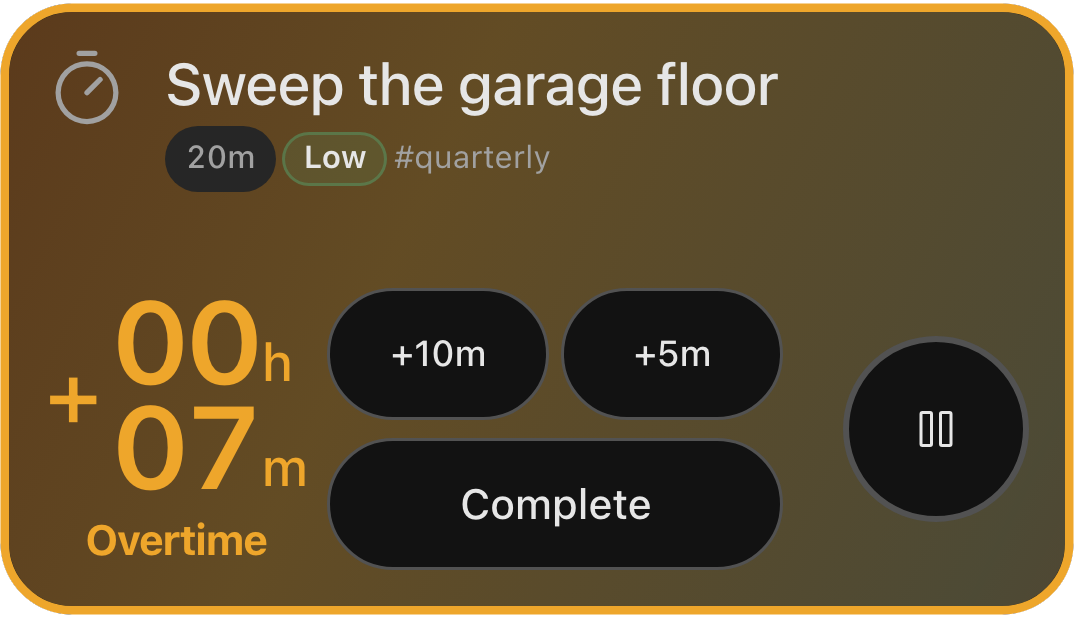
No-Shame Overtime
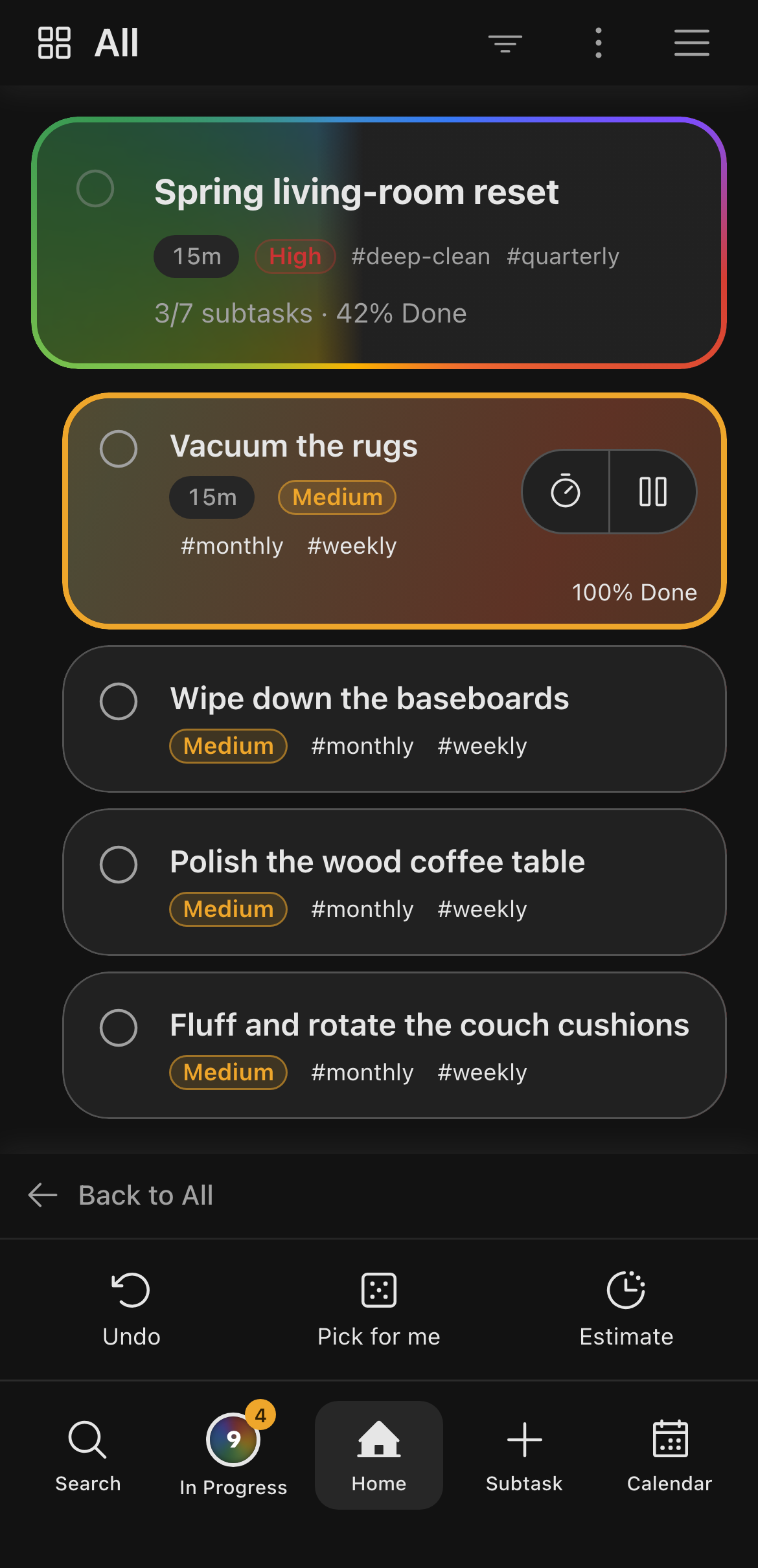
When a timer hits zero, it turns orange and begins counting up. No auto-complete, no guilt popup, just however long you actually need.
AI Task Splitting
Describe something overwhelming and tap Split. It breaks the task into smaller pieces with time estimates, so you know exactly where to start.
One-Thumb Design
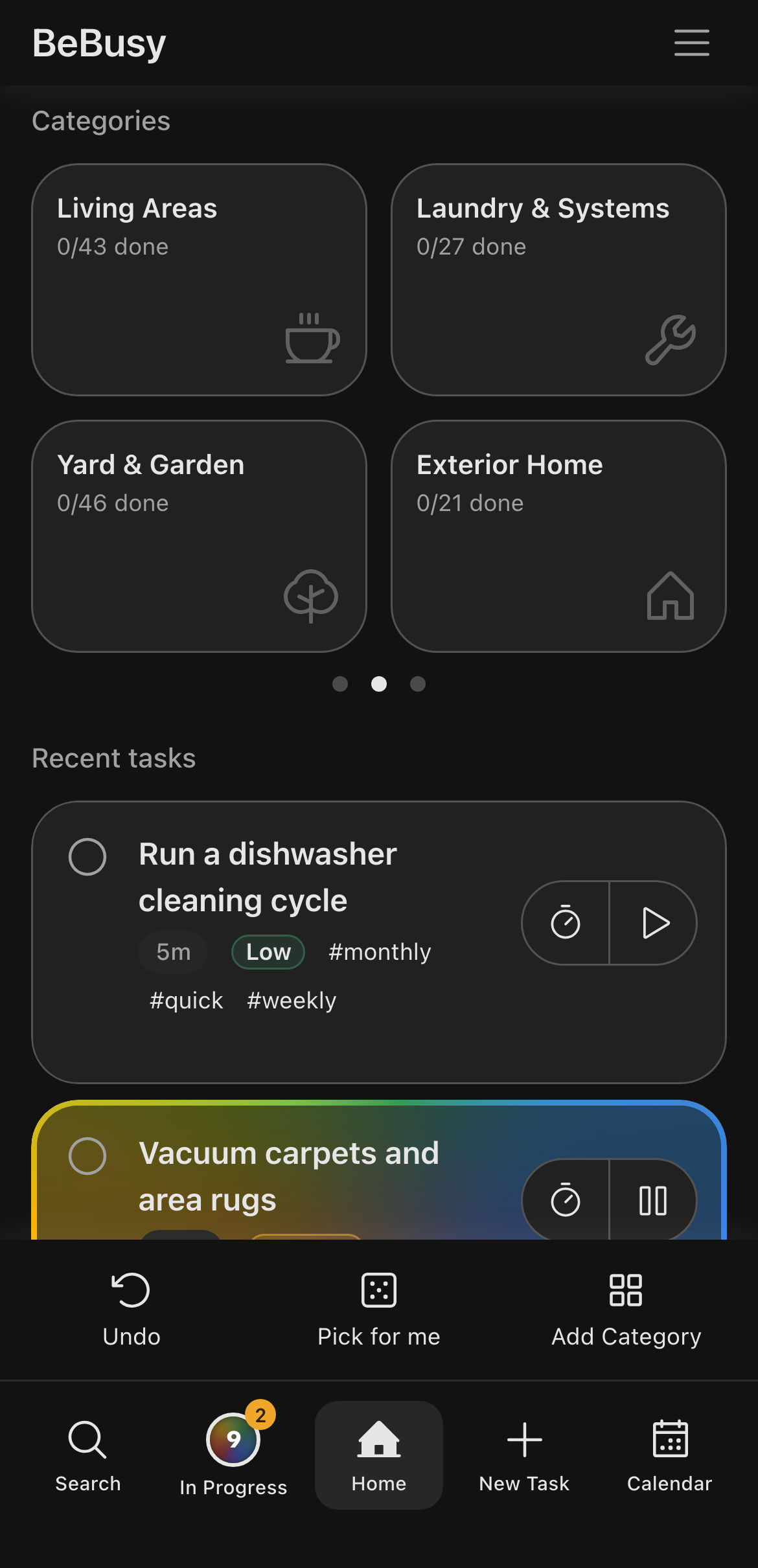
Everything you need lives where your thumb already is. Built for the way you actually hold your phone.